

UPDATED! INsanes latest version July 2023.
July 2023 change: Installer script should find the "dod" folder better if steam is a non standard folder address (Like a D drive).
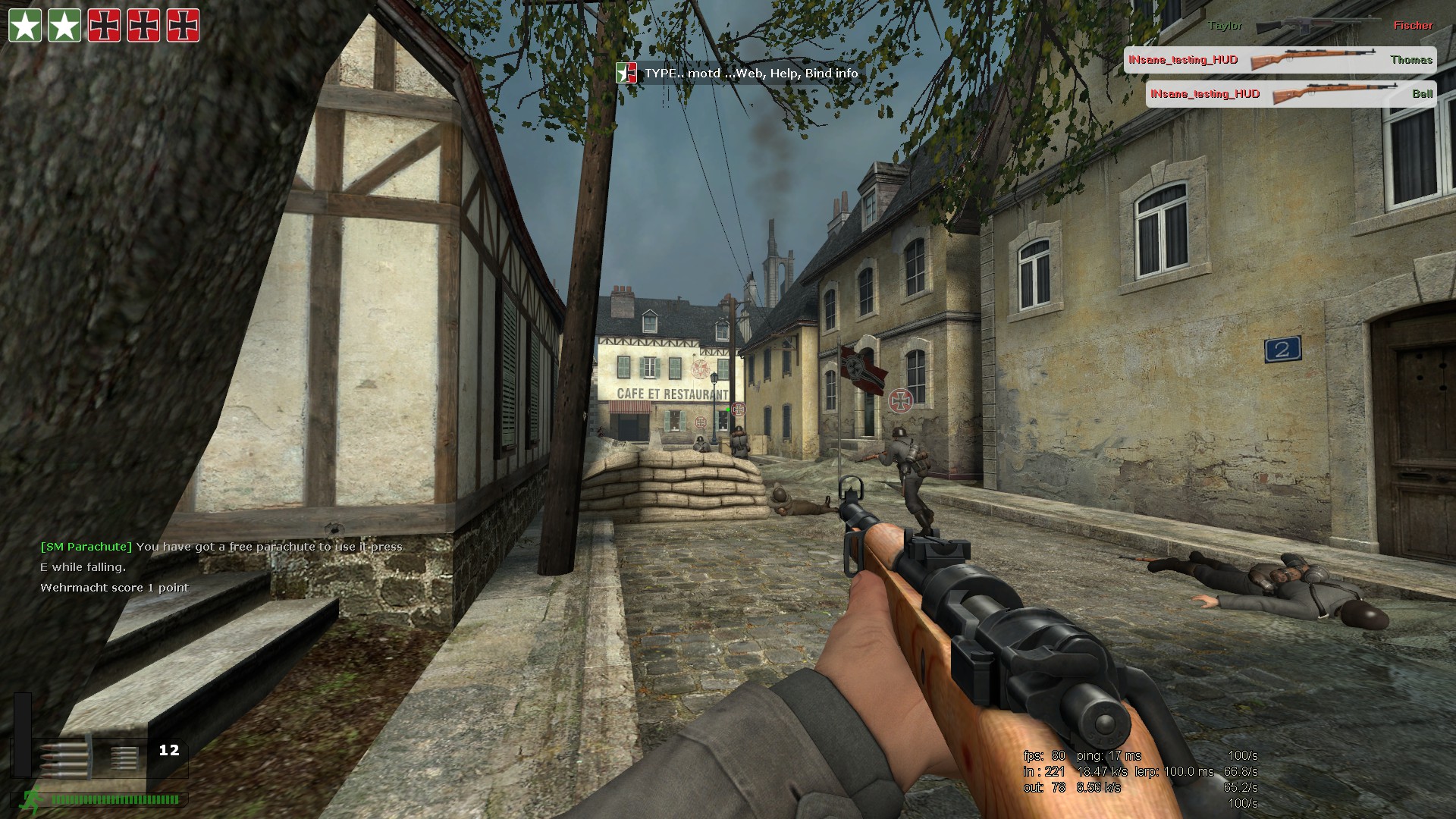
This is my dods small HUD some of the community may be familiar with... with many more options added.
For people who do need to install manually, in this release the raw files are separated ... they also include instructions.
Manual install?
The manual download package is for experienced users and people who like to modify my files and make their own...
Download manual release here.
Linux and mac OS versions?
There is a Linux version in the process... please see here for that
The Mac OS users ... well I don't use a Mac, maybe the best is to comment in the forum and tell me what you would like.
The changes to the new SteamPipe version 11...
The small HUD remains largely unchanged, you may notice some differences on DET maps, the TNT icon has moved.
ATI: In this release I have some files for ATI Eyefinity multi displays along with the usual stuff.
Just look for the special ATI Eyefinity background in "Menu background" and the special "Left MiniMap ATI Multi" minimap that pushes the HUD towards the center when you use the minimap.
As for the rest, there is a lot... the file size jumped up, have a look...
1. 3 HUD and GUI colors, Black, Green and Tan.
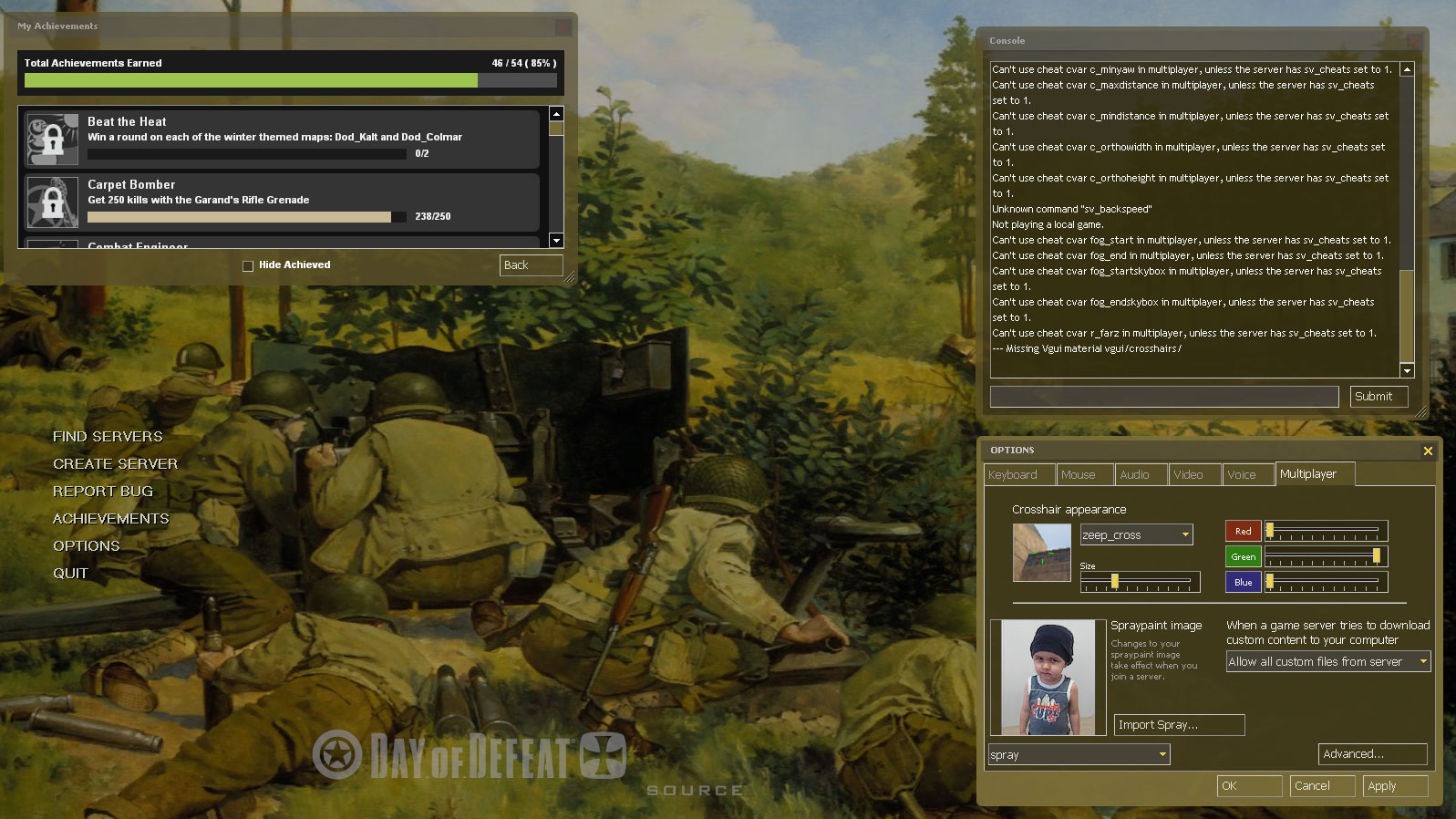
2. A selection of menu backgrounds. New! DoD:s icon for standard and ATI Eyefinity Multi Screen supported.
 |
 |
 |
 |
 |
 |
||
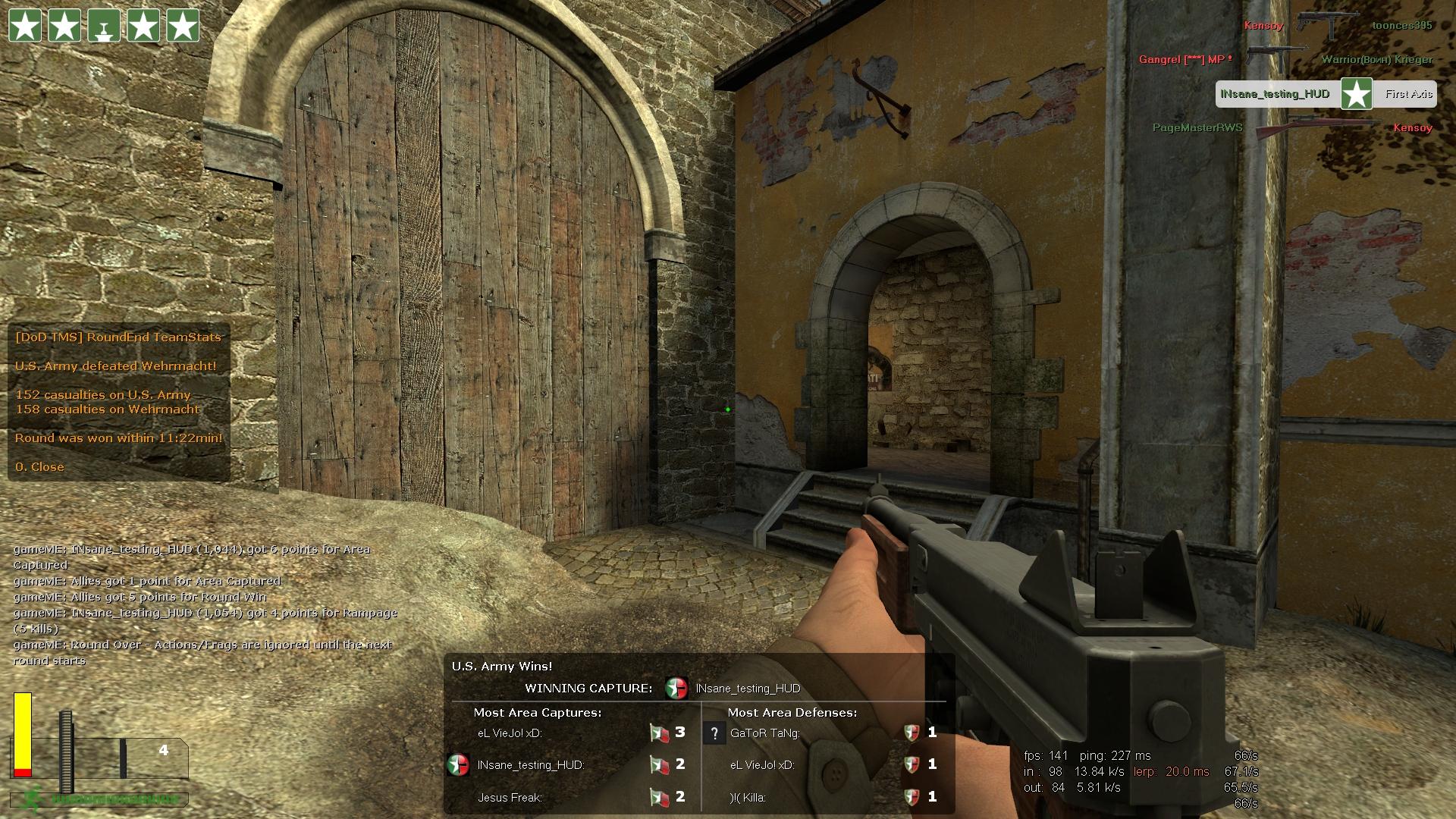
3. The normal HUD extras like small icons that revert back to normal if a sv_server blocks the material folder. These include a server ad position fix, some map descriptions that VALVe did not do, a spec menu with Netgraph control and some custom x hairs, (see the picture below).
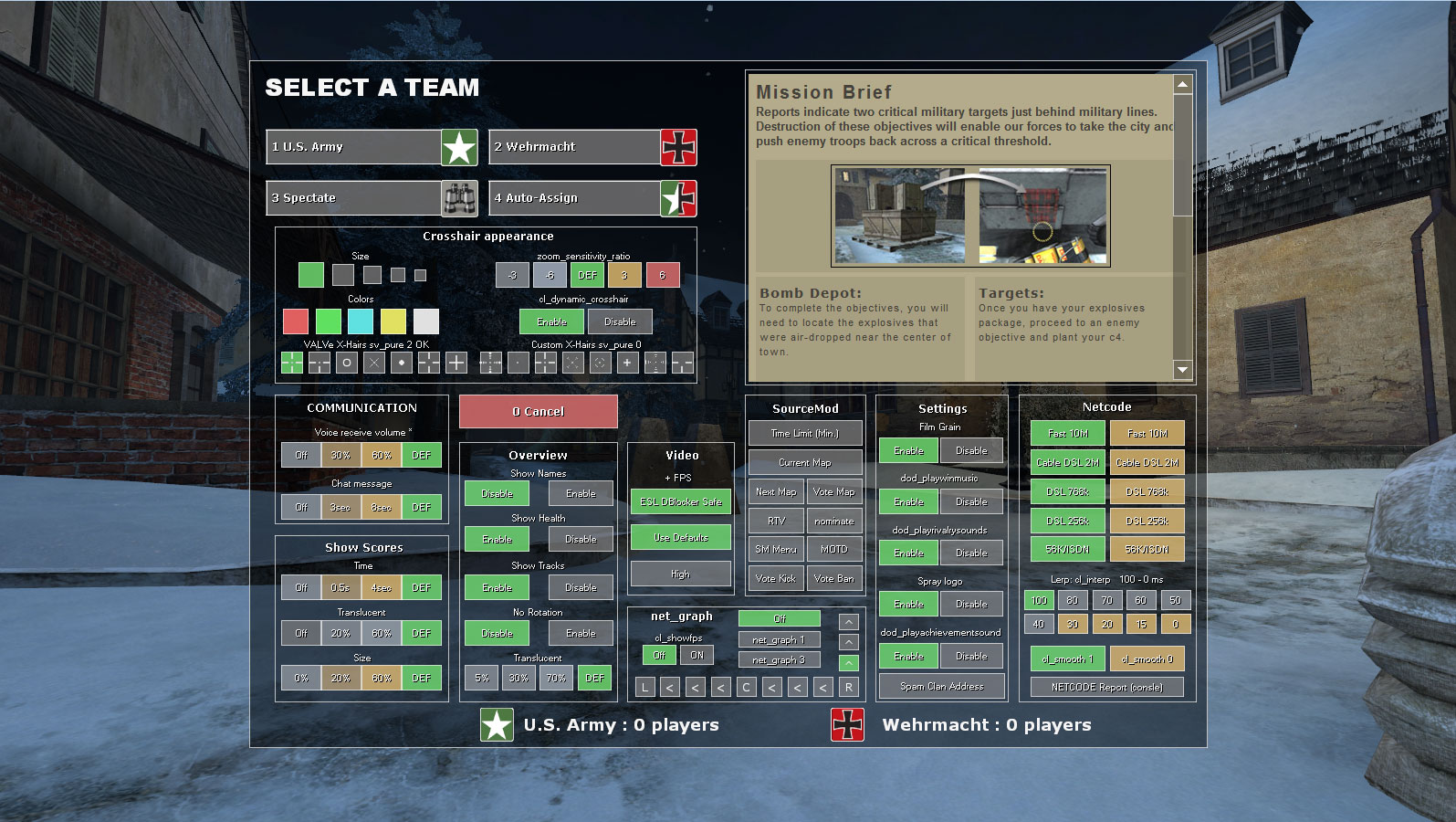
4. The Team Menu also got a clean up to make it support more languages and changed the netgraph control, but added a couple of new buttons and tried to arrange the layout a little better. There is a lot more choice for "on the fly" adjustments. This panel is recommended for the user who would like all the cool commands to alter the game...but does not know those commands, recommended must have for new users!
NEW! There is now a guide to all elements of the team menu. Even players who have used this for a while... I'll bet you find information you have overlooked.
 |
 |
5. Some options for the MG and Fireselect icons, some move all icons to the left so nothing is on the right.
 |
6. A little option to make your health bar a 4 color or two color type.
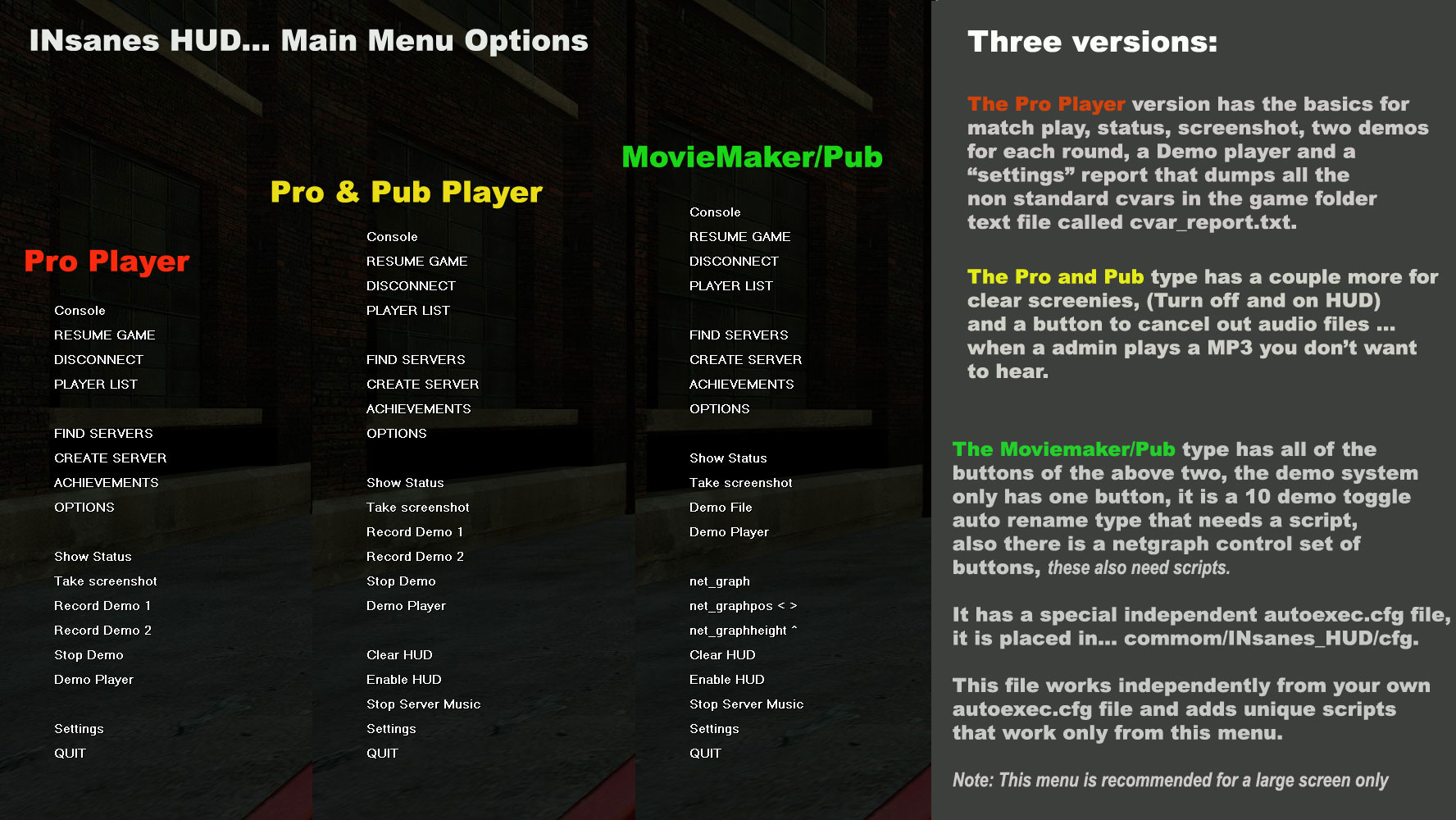
7. 3 different types of the main menu buttons, this option is for the player who hates the console, I put in some handy controls for netgraph, demos, screenshots, cvar help.
 |
8. A larger HUD option, bigger than my normal one, still much smaller than the VALVe standard one.
 |
9. An option to install the Mini Map on the left side, this stops the kills and deaths going to the middle of the screen, there are 3 sizes fro small, default VALVe default to oversize for fans of the mini map who have a big wide-screen.
 |
10. 8 kills and deaths layouts to suit almost any players needs. I have added a White background as well as the older ones.
 |
 |
11. Scoreboards. 4 basic types all with a Dark and Light option.
 |
In all the edited files I have tried to add support for all the languages Valve support.
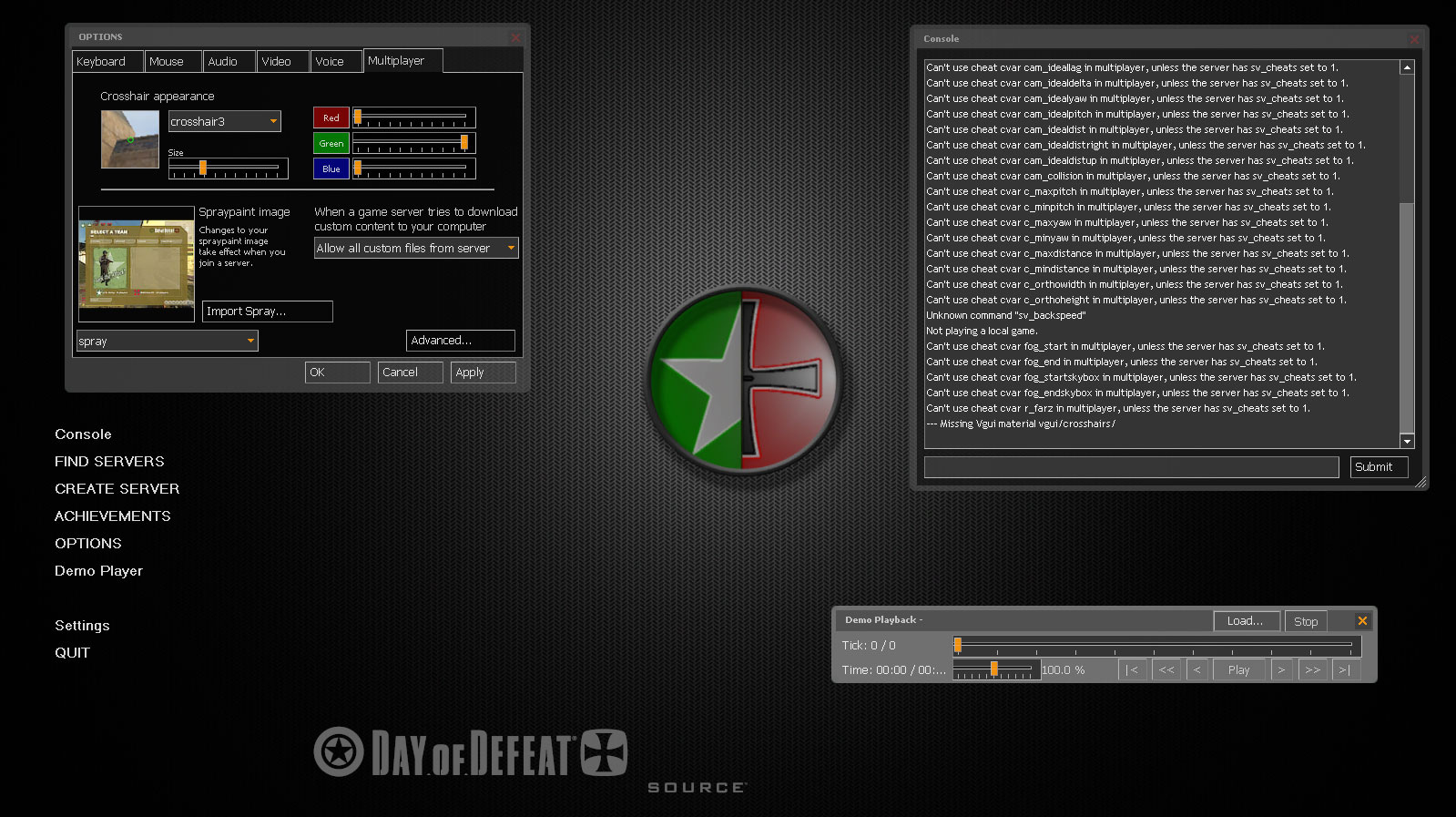
 INsanes DoDs GUI+HUD V11 (SteamPipe)